How to move your alumni database to a new platform (step by step)
7 min read

Written by Borja MartosCMO & Co-Founder
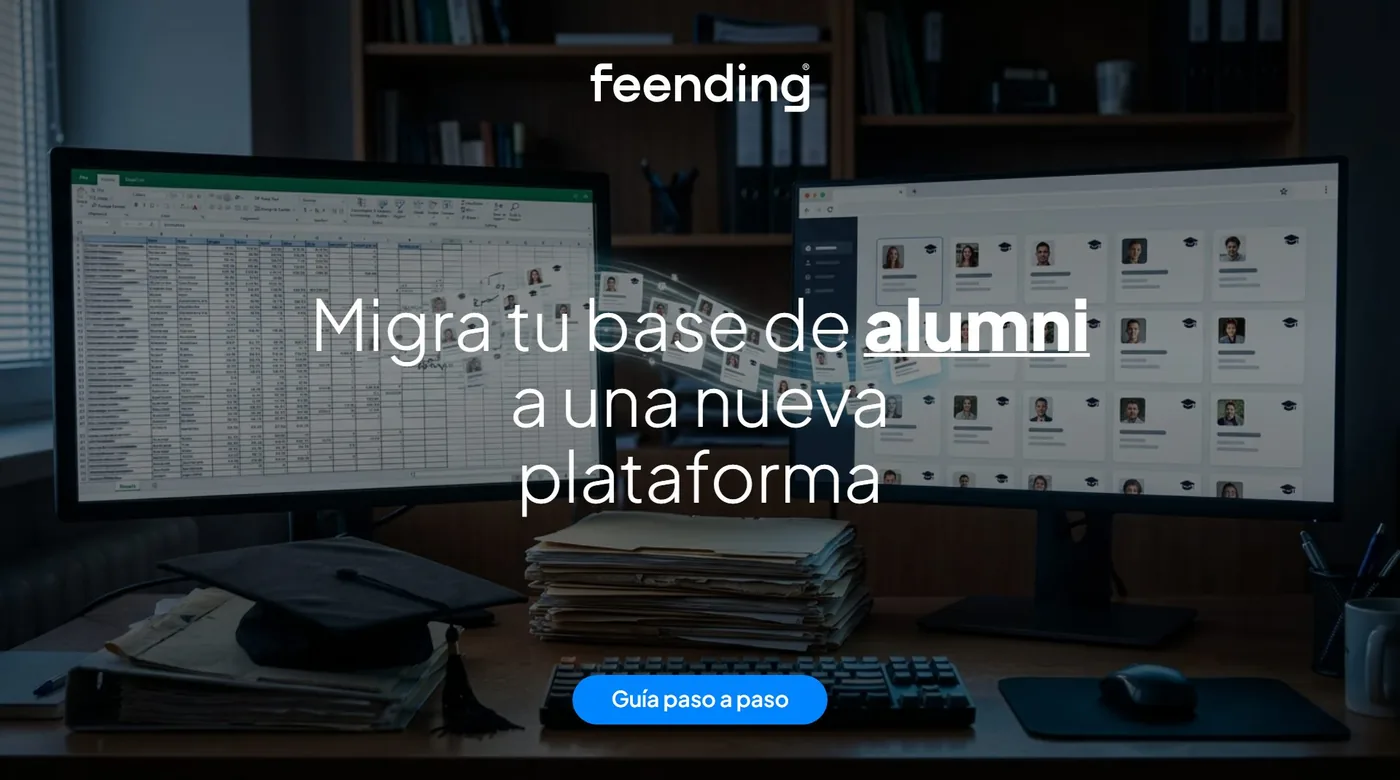
Moving your alumni database to a new community platform takes seven steps: gather every source, clean the data and remove duplicates, check the legal basis for the new use, map the fields, run a test import, invite and activate your alumni and, finally, get each person to keep their own profile up to date.
The step that fails most often is not the technical one. Importing ten thousand rows takes an afternoon; getting those ten thousand people to log in, complete their profile and come back is what decides whether the move was worth it.
Why is alumni data usually so scattered?
Because it has been built piece by piece over the years: the registrar, the alumni team's spreadsheet, event sign-up forms, an admissions CRM and, sometimes, someone's inbox.
The outcome is familiar: the same person appears three times with different emails, nobody knows where each graduate works today, and building a simple segment ("engineering graduates from the class of 2015 living in London") takes days of manual cross-checking. More on this in where your community's memory lives.
What should you do before migrating?
Before migrating you need an inventory: which sources exist, which fields each one holds and how reliable they are. It saves the most time later.
1/ List every source. Spreadsheets, CRM, email marketing tool, web forms, event platform, LinkedIn or WhatsApp groups and legacy databases from individual schools. Note who owns each one.
2/ Decide which fields you need. Name, email, degree, graduation year, employer and job title, industry, city, interests and communication preferences are usually enough. If you will not use a field, leave it behind: the GDPR's data minimisation principle asks you to process only what the purpose requires.
3/ Measure data quality. Share of valid emails, likely duplicates, empty fields and date of last update. That snapshot becomes your baseline.
How do you clean and standardize an alumni database?
You clean it by agreeing on common formats and removing duplicates before the import, never after. Load the mess into the new platform and you have only moved the mess.
1/ Standardize formats. Degree names spelled one way, four-digit graduation years, cities from a fixed list, phone numbers with country codes.
2/ Remove duplicates. Use email as the first match key and name plus graduation year as the second. When in doubt, merge and keep the most recent value.
3/ Flag what you cannot verify. A bouncing email should not simply be deleted: tag it and handle it separately during activation.
What legal basis do you need to use the data on the new platform?
You need a valid legal basis for the new use, and your alumni need to have been told about it. Moving personal data into a community platform is processing, and under the EU's GDPR every processing activity must rest on one of the six bases in Article 6: consent, contract, legal obligation, vital interests, public task or legitimate interests.
Articles 13 and 14 also require you to tell people who is processing their data, why, on what basis and what rights they have. If the data was first collected for something else, such as enrollment, you need to assess whether the new use is compatible and inform people before it starts. Spain's data protection authority, the AEPD, recommends layered information: a short summary plus a link to the full privacy notice.
There is no single answer for every organization, and outside the EU other laws may apply. Review your case with your data protection officer or legal adviser before sending the first invitation. In practice, that invitation is a good moment to inform people clearly and ask each graduate to confirm their details and preferences.
How do you map fields and run a test import?
You map fields by pairing each source column with a field on the new platform, then testing with a sample before loading everything. A test with one or two hundred varied records reveals in minutes errors that would otherwise cost weeks.
1/ Build a mapping table. Source column, destination field, expected format and what to do when the value is empty.
2/ Import a sample full of edge cases. Names with accents, double degrees, records with no employer.
3/ Check the result as a graduate would see it. Make sure profiles read well and that search and filters work. Then import everything and keep a copy of the source in case you need to roll back.
How do you invite and activate your alumni?
You activate alumni with a personal invitation, a clear reason to join and a few well-spaced reminders. This is where most migrations lose people: an imported database is not a community until people actually come in.
1/ Start with a pilot group, such as a recent class, and refine the message with their feedback.
2/ Give a concrete reason. "Update your profile" moves nobody. "Meet 40 classmates in your industry and city" does.
3/ Invite from the brand they know. Their university, not an unfamiliar vendor. A platform under the institution's own brand earns more trust.
4/ Schedule two or three reminders one or two weeks apart, each with a different angle.
There are more ideas in what an alumni network is and how to build one.
How do you keep the alumni database current?
The database stays current when each graduate updates their own profile because it is worth their while. No team can call thousands of people every year.
It is worth it when the profile does something for them: the platform suggests useful contacts based on their industry and interests, job offers or mentoring that fit their career stage, and events they care about. It also helps to ask for small updates at natural moments, such as a job change or an event sign-up, instead of one long annual form. We cover this in how AI helps manage an alumni community.
What should you measure after the migration?
The first metric is the activation rate: the share of invited alumni who have logged in and completed their profile. It is the number that tells you whether the migration worked.
Alongside it, track data quality (valid emails, complete profiles), participation (who returns, who connects, who attends events) and how long your team takes to build a segment. Compare everything with your baseline. More in how to measure the impact of a professional community.
What did UCAM Alumni gain by centralizing its data?
UCAM Alumni made its segmentation five times faster by moving from scattered data to centralized management. Read the story in how UCAM Alumni moved from scattered data to strategic management and in the UCAM success story.
What should alumni database software offer to make migration easier?
It should offer bulk import with field mapping, duplicate detection, branded invitations and profiles alumni can edit themselves. Feending also works for the manager and for the graduate: it brings the database, communication, events and jobs together in a private, one-of-a-kind platform under the university's brand, and its AI suggests who each graduate should meet for networking, mentoring, sales, investment or hiring. Compare it with other options in the best alumni management software or see Feending for universities and alumni.
Frequently asked questions
How long does it take to migrate an alumni database?
The technical import, days. The inventory, cleanup and legal review, several weeks. Activating your alumni is a months-long effort that does not end when the data is loaded.
Can I import all my alumni without asking their permission?
It depends on the legal basis that applies to your case. The GDPR does not always require consent, but it does require a valid basis and informing people about the new use. Check with your data protection officer or a legal adviser.
What is a good activation rate?
There is no universal figure: it depends on how old the data is and how strong the bond with the institution is. Measure yours from the first send and compare it by graduating class and channel to see what works.
Bring your alumni community together
If you want your data in one place and your graduates connecting again, Feending is the private, one-of-a-kind platform for your alumni community. Request a free demo.

![Alumni network: what it is and how to build yours [2026]](/assets/red-alumni-que-es-como-crearla-BsL-bTqn.webp)