ERP for associations: how it differs from Feending and connects
7 min read

Written by Borja MartosCMO & Co-Founder
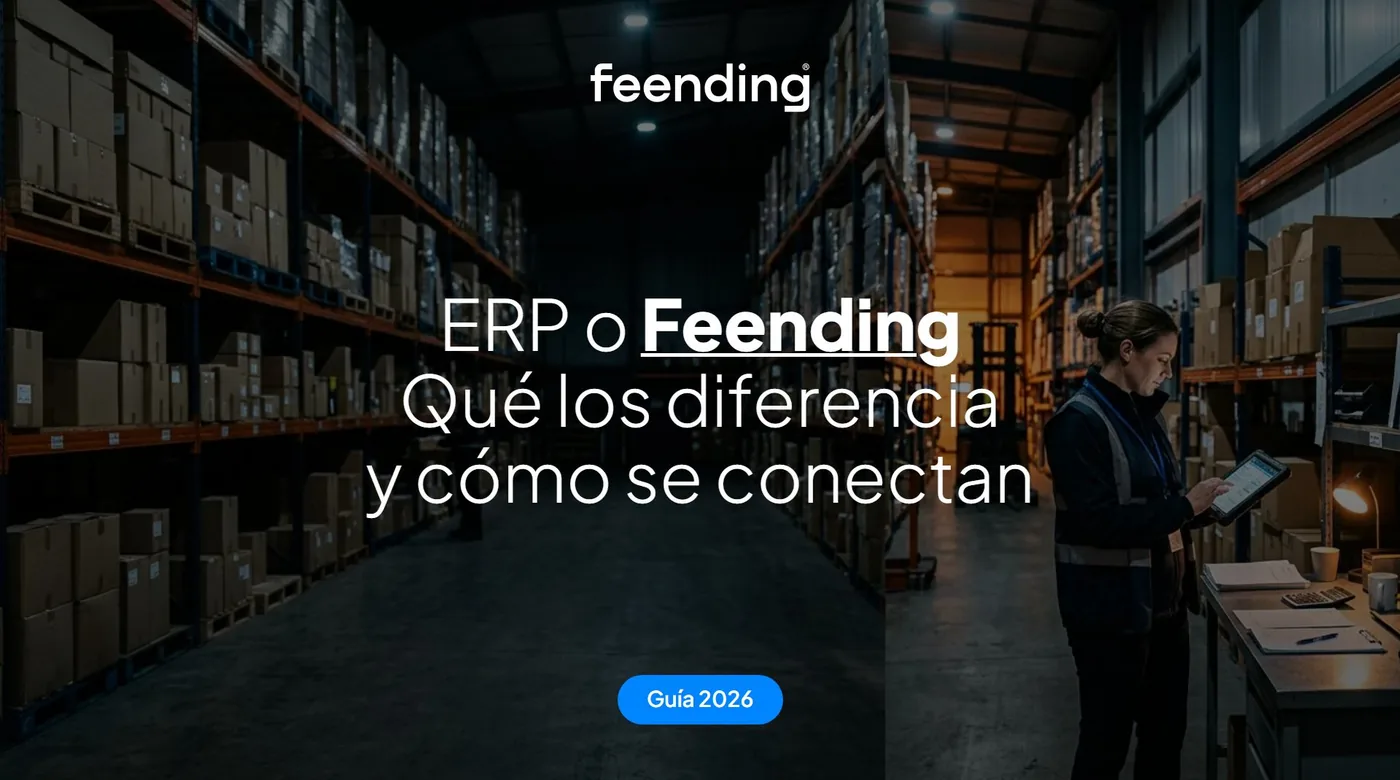
An ERP manages an organization's internal resources: accounting, purchasing, stock or payroll. Feending manages its community: members, events, communication, fees and the connections between people. They don't compete, because they solve different problems. They complement each other, and can be connected through Feending's public API so data isn't duplicated.
What is the difference between an ERP and Feending?
The difference between an ERP and Feending is where each one looks: the ERP looks inward, at how the organization runs, and Feending looks at the people who make up its community. One answers "do the accounts add up?" and the other "is being here useful to people?".
Administration, finance and operations use an ERP. Its value lies in recording every invoice, order and payslip correctly, and in having every department work from the same numbers. Your members never see it, and rightly so.
Your team and your members use Feending. Each member enters a private platform carrying your organization's brand, fills in a profile and gets suggestions about people worth meeting. Feending is to a community manager what an ERP is to a finance team: the central tool of the job.
Why can't an ERP run a community?
An ERP can't run a community because it is built to record transactions, not to create relationships. It can tell you a company has paid its fee, but not who that company should meet so it is glad to pay next year.
This is a common mistake in associations, professional bodies and corporate clubs. Since the ERP already holds the details of whoever pays, the community seems taken care of. But four things are outside its job:
1/ A place for members. Members need somewhere to log in, talk, see events and find resources. In Feending they get chat, a feed, an agenda, resources, a marketplace and jobs.
2/ Connections between people. Feending's AI builds a profile of each member and suggests who to meet through five dynamics: networking, mentoring, sales, investment and hiring. We explain it in how smart networking works.
3/ Signs of participation. An ERP flags an unpaid fee when it is already late. Activity in Feending lets you see sooner who is taking part and who is drifting away, and act before renewal.
4/ A team that helps with the community. Feending includes one hour of consulting a month to help it grow, backed by more than 70 communities in 7 countries and the Feending Method.
How do an ERP and Feending complement each other?
An ERP and Feending complement each other because each keeps its own part: Feending the relationship and the member experience, and the ERP the accounting records and internal operations. Together they stop your team typing the same thing in two places.
Three situations show it well:
1/ Association fees. The member pays in Feending through the gateway you already use, such as Stripe or Redsys, and the membership is managed on the same platform. Accounting for that income stays in your ERP. There's more in how to collect association fees.
2/ A paid event or a sponsorship. Registration, tickets, attendees and sponsor visibility are handled in Feending. The invoice and its accounting entry belong in the ERP. The community team stops asking administration for lists, and administration stops chasing the community team.
3/ A company with a partner or employee community. The ERP remains the system for operations. Partners or teams meet and share in a private space with your brand, and HR or Marketing don't have to go through a system built for something else. See Feending Business and employee communities.
Does Feending replace an ERP?
No: Feending doesn't replace an ERP and doesn't try to. It doesn't handle your accounting, purchasing, stock or payroll. What it does replace are the spreadsheets, WhatsApp groups and stray forms many organizations use to run their community today.
If your organization is small and has no ERP yet, that isn't a requirement either. Feending works on its own for the community, with its member database, fees and events, and leaves the rest to whatever management or accounting tool you already use.
That is what happened at Levante UD's Business Club, with close to 400 companies. It ran on Excel, and with Feending it centralized management, automated processes and keeps better track of events and attendees. Impact Social Cup likewise moved from WhatsApp, email and separate tools to a single platform.
How does Feending connect to an ERP through an API?
Feending connects to an ERP through its public API, designed to link the community with internal systems. Since every ERP is different, the integration is defined around yours: what data moves, in which direction and which system owns each item.
Depending on what your organization needs, these are the connections Feending's API allows for:
1/ User sync. Community users and profiles stay aligned with your systems.
2/ Automatic sign-ups. A company or person added to your system can be registered in the community with no manual steps.
3/ Process automation. Flows between the community and your internal tools are automated, so nobody has to copy data by hand.
4/ Data for analysis. Besides the API, Feending exports its reports to PDF and CSV, and lists an integration with Power BI.
There's more in integrations and security. Data is hosted on servers in the EU/EEA and handled in line with GDPR. One tip before you start: connect first whatever costs you the most time today, and leave the rest until that works. If your data lives in spreadsheets, Feending imports any CSV or Excel file.
How do I know what my organization needs?
Your organization needs an ERP if the problem is keeping the accounts and operations in order, and Feending if the problem is that the community isn't moving. If both are true, you need both, connected through the API.
A quick test is to look at who is complaining. If it's administration, because the numbers don't add up, look at an ERP. If it's your members, because they don't know who to write to or what they get from being there, look at Feending. You can continue with why communities need software to scale or the difference between a CRM and Feending.
Frequently asked questions
What is an ERP, in simple terms?
An ERP is the software an organization uses to run its internal management in one system: accounting, invoices, purchasing, stock and payroll, among other things.
Can I run an association with just an ERP?
You can keep its accounts and receipts, but you can't give members a place to meet, take part and find opportunities. For that you need a community platform like Feending.
Does Feending integrate with my ERP?
Feending has a public API for connecting to internal systems. How it's done depends on your ERP and the data you want to connect, and we go through it with you in the demo.
Does Feending do invoicing or accounting?
Feending manages fees, memberships and payments through gateways such as Stripe or Redsys. The organization's accounting stays in your ERP or management software.
See how Feending fits with what you already use
Tell us what tools you have and what costs you the most today, and we'll show you how it would fit. Request a free demo.